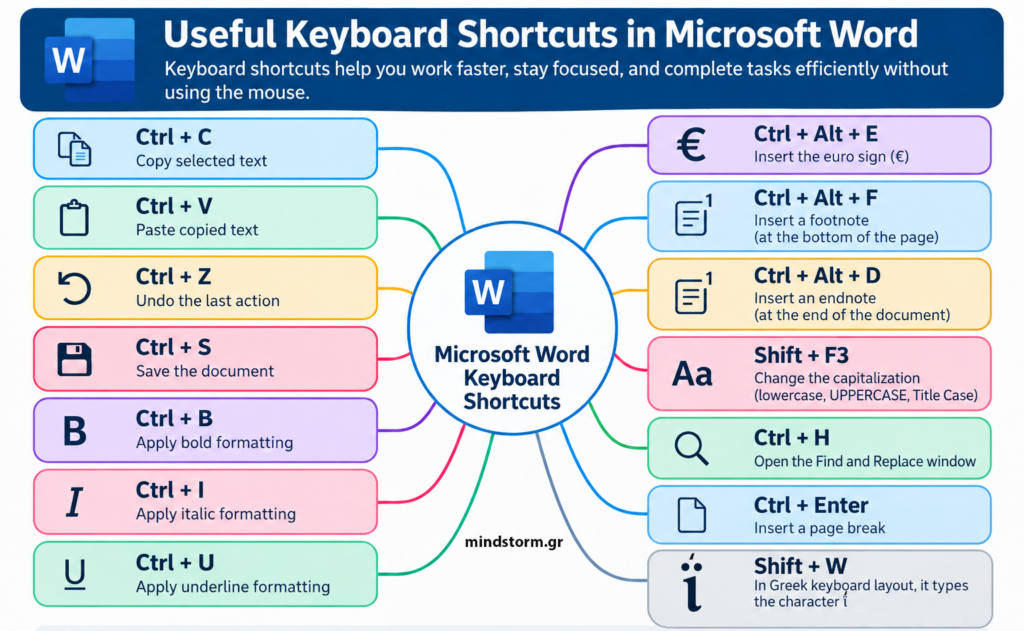
Useful Keyboard Shortcuts in Microsoft Word Keyboard shortcuts help you work faster, stay focused, and complete tasks efficiently without using the mouse. Basic Editing Shortcuts Shortcut Function Ctrl + C Copy selected text Ctrl + V Paste copied text Ctrl + Z Undo the last action Ctrl + S Save the document Ctrl + B Apply bold formatting Ctrl + I Apply italic formatting Ctrl + U Apply underline formatting Special Shortcuts in Word Shortcut Function Ctrl + Alt + E Insert the euro sign (€) Ctrl + Alt + F Insert a footnote at the bottom of the page Ctrl + Alt + D Insert an endnote at the end of the document Shift + F3 Change capitalization (lowercase, UPPERCASE, Title Case) Ctrl + H Open the Find and Replace window Ctrl + Enter Insert a page break Shift + W Used with the Greek keyboard layout for the…