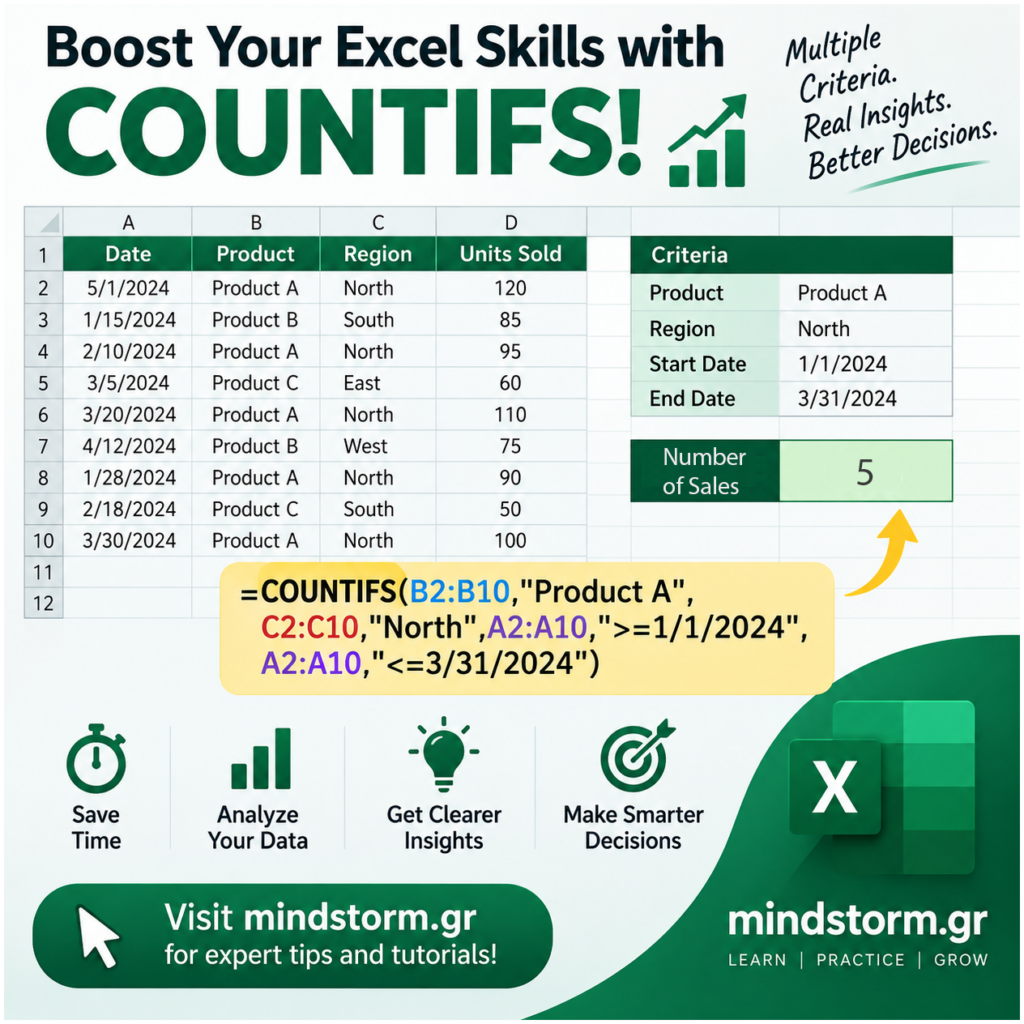
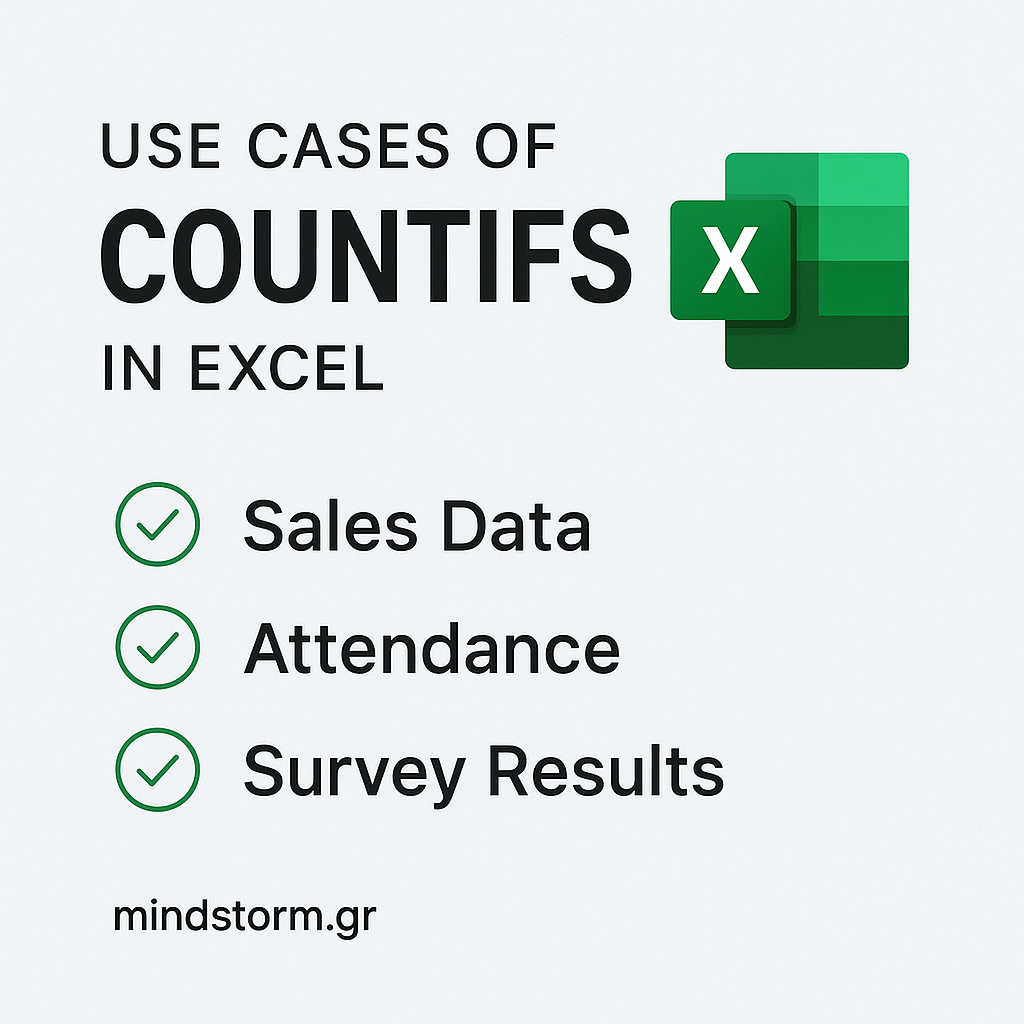
🚀 Boost Your Excel Skills with COUNTIFS! 📊 Struggling to analyze your sales data efficiently? The COUNTIFS function in Excel is your secret weapon! It allows you to count the number of sales that meet multiple criteria at once—like tracking sales by product type, region, and date range simultaneously. For example, you can easily find the number of sales of Product A between 1/1/24 and 3/31/24 in North region. This saves you time and gives you clearer insights to make smarter decisions. Want to master COUNTIFS and more? Visit mindstorm.gr for expert tips and tutorials that will take your data skills to the next level! * Note about featured image: Date in A2 should be 1/5/2024 and not 5/1/2024. Start exploring COUNTIFS today and turn your sales data into actionable insights! 💡📈 Download excel file countifs.xlsx #ExcelTips #SalesData #COUNTIFS #DataAnalysis #mindstormgr