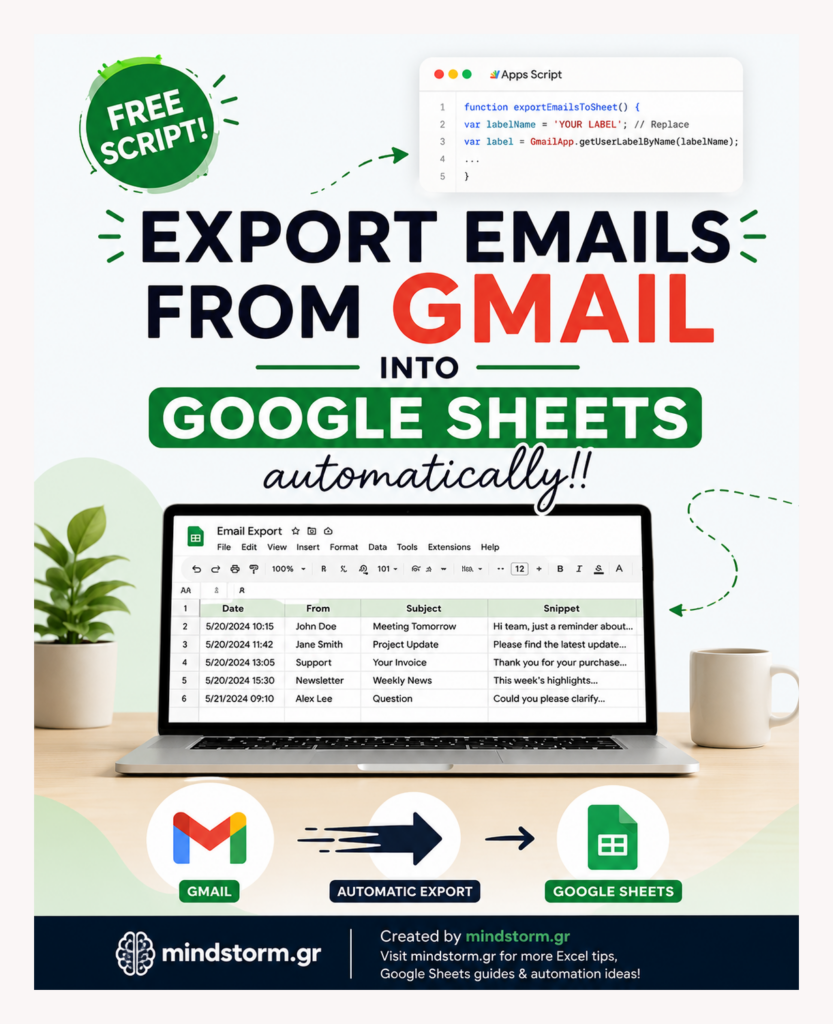
If you’ve ever wanted to organize your emails into a Google Sheet, automatically categorize and track conversations, or extract specific details from your inbox, you’re in the right place! Google Apps Script allows you to easily export emails from Gmail and organize them in Google Sheets without manually copying and pasting. In this post, we’ll walk you through creating a simple Gmail-to-Google Sheets integration using Google Apps Script. This will allow you to extract emails with a specific Gmail label, along with various details such as the sender, subject, date, and even the entire email body. Why Export Emails to Google Sheets? Managing emails can be tedious, especially if you’re dealing with hundreds of messages. Exporting emails into Google Sheets gives you the power to: Track specific conversations: Extract emails by labels such as “Work” or “Important.” Analyze email data: Identify patterns or trends in communication. Organize data for easy…
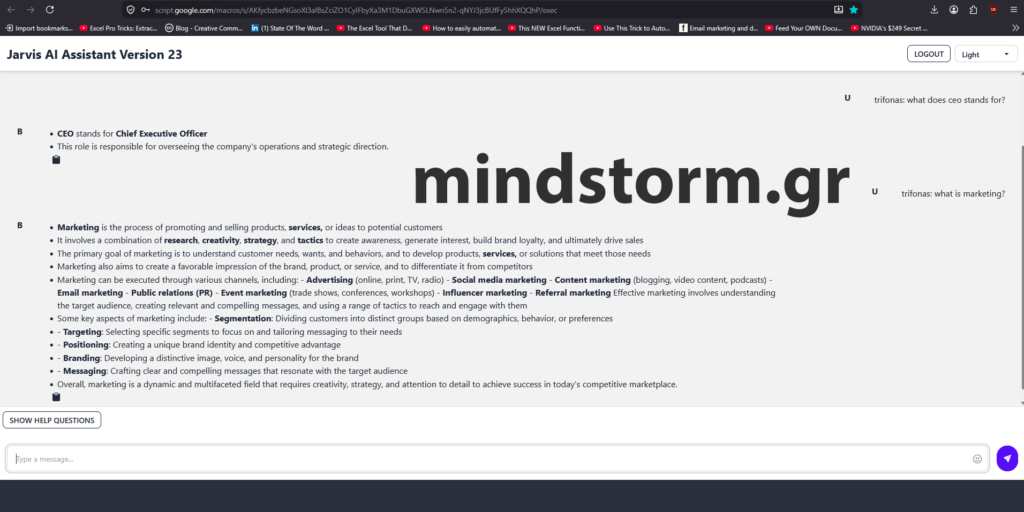
🚀 Introducing Jarvis AI Assistant — A Smart AI Chatbot Powered by Google Sheets & OpenAI I’m excited to share a new project I’ve been developing: Jarvis AI Assistant, a fully customizable AI-powered chatbot built with Google Apps Script, Google Sheets, and OpenAI. Click here to see it live: Jarvis AI Assistant Version 23 – Apps Script The goal of this project was simple: 👉 Create an intelligent business assistant that is: easy to manage, low cost, secure, fast, and fully customizable without complex infrastructure. Unlike traditional chatbot systems that require databases and expensive platforms, Jarvis uses the power of Google Sheets as a dynamic knowledge base, allowing anyone to manage AI content directly from a spreadsheet. 💡 Key Features: ✔ Secure Login System with hashed passwords✔ Role-based access control✔ AI-powered search using OpenAI✔ Greek & English language support✔ Smart keyword matching✔ Product recommendations✔ Image thumbnail support inside chat✔ Mobile-friendly…