
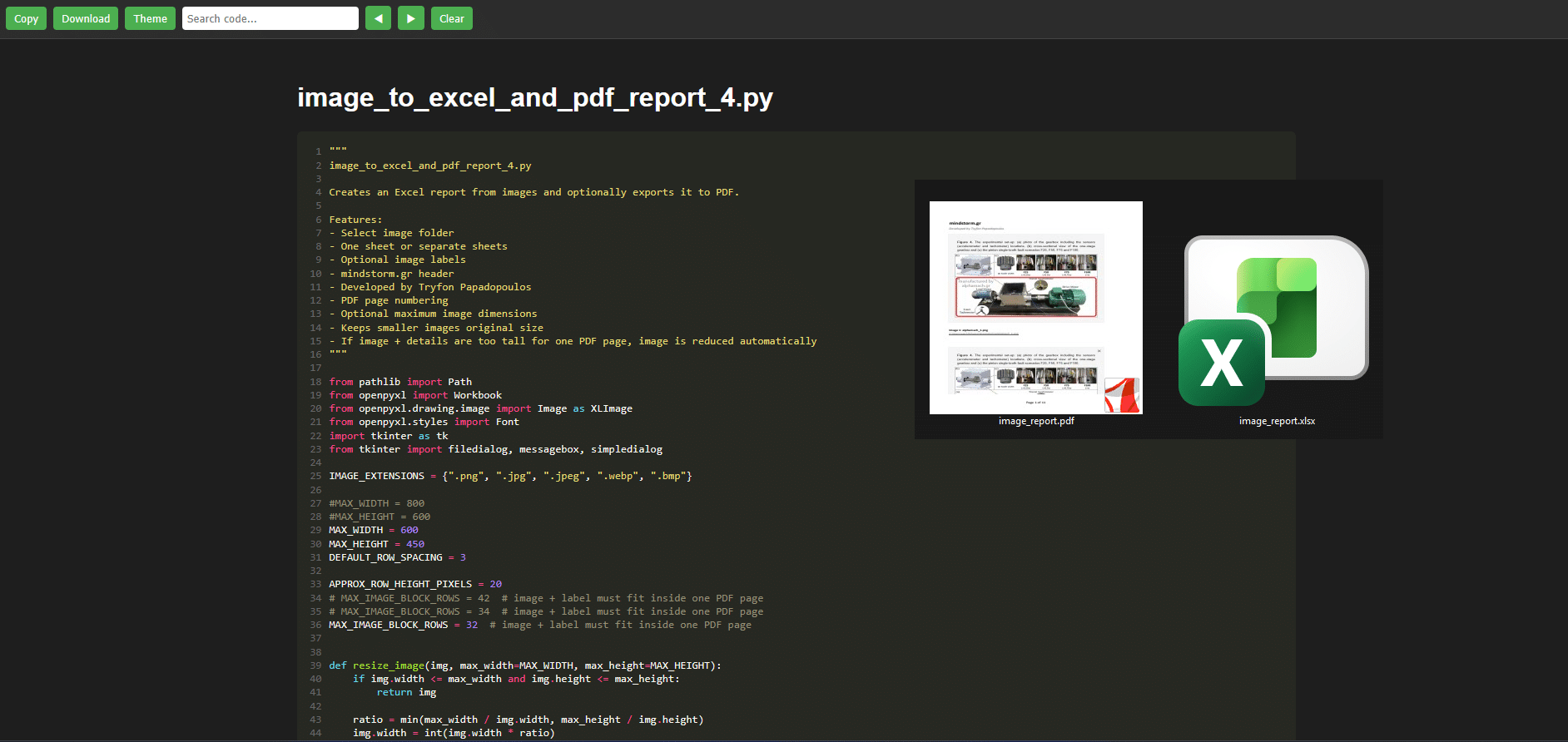
📊 Automatically Create Excel & PDF Reports from Images (Python Tool)
If you often work with screenshots, diagrams, or visual documentation, this Python tool can save you a lot of manual effort.
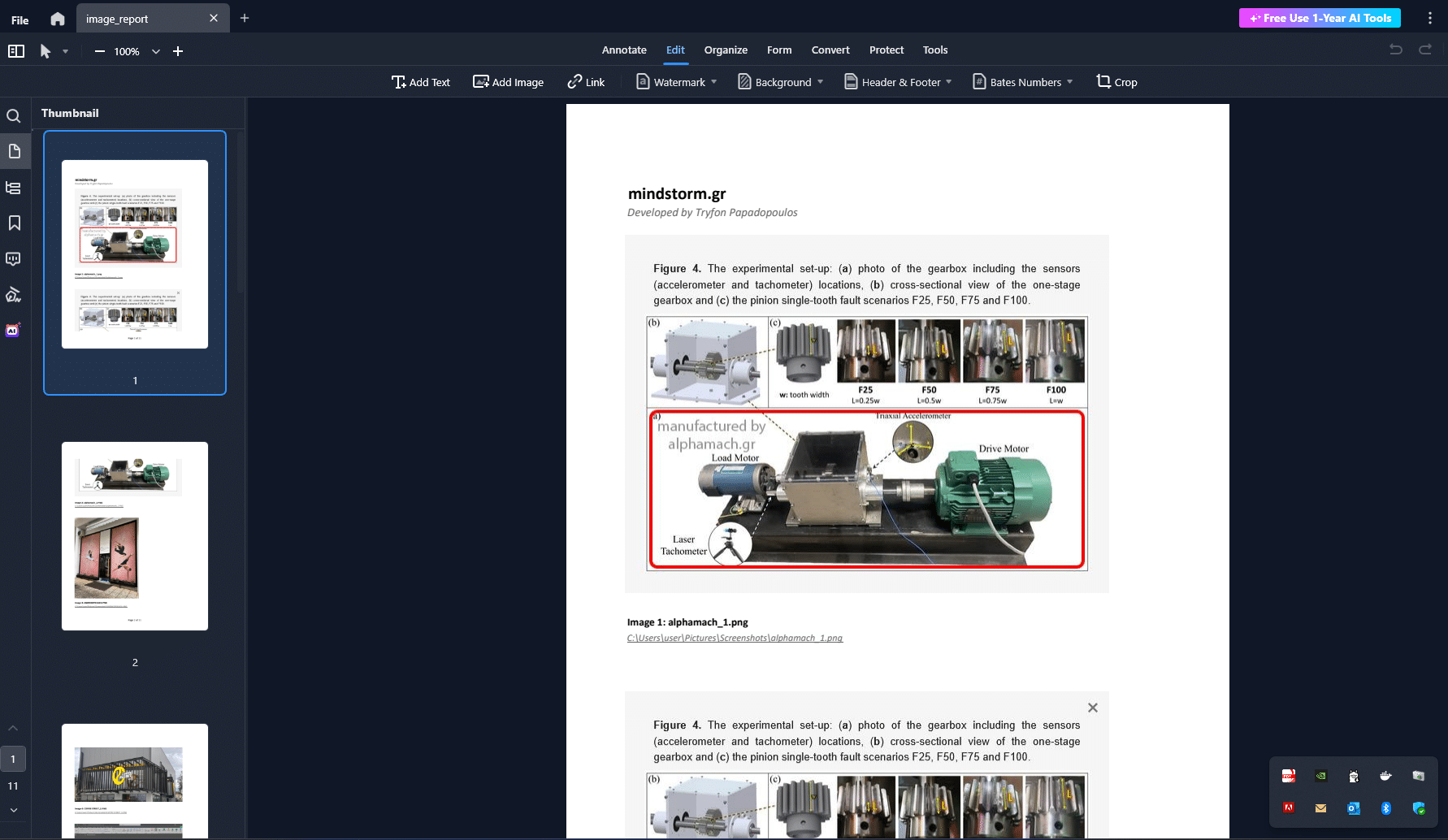
This script allows you to quickly generate a structured Excel report from a folder of images and optionally export it to a PDF report—fully formatted and ready to share.
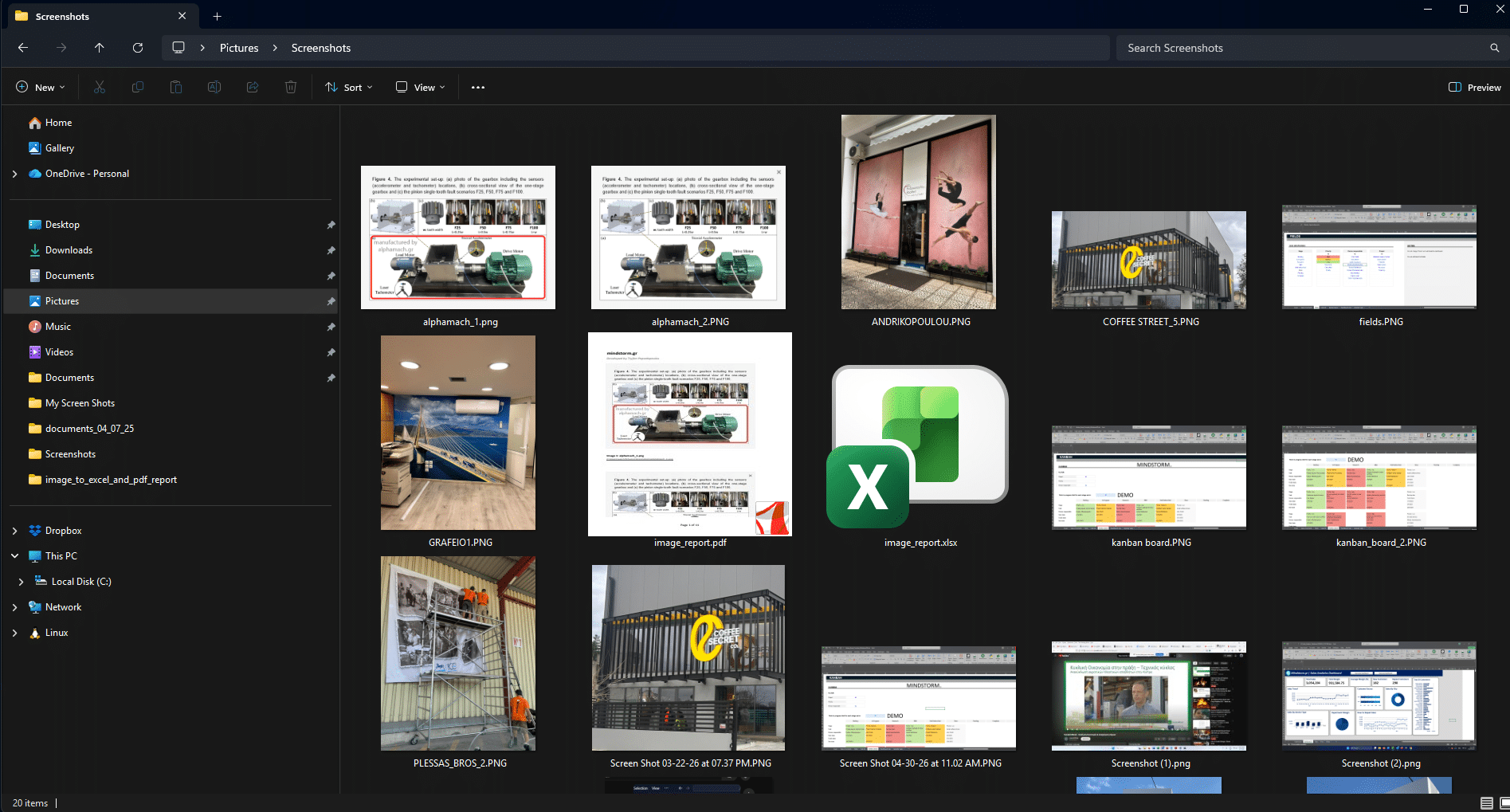
🔧 What this tool does
- Lets you select a folder of images through a simple Windows interface
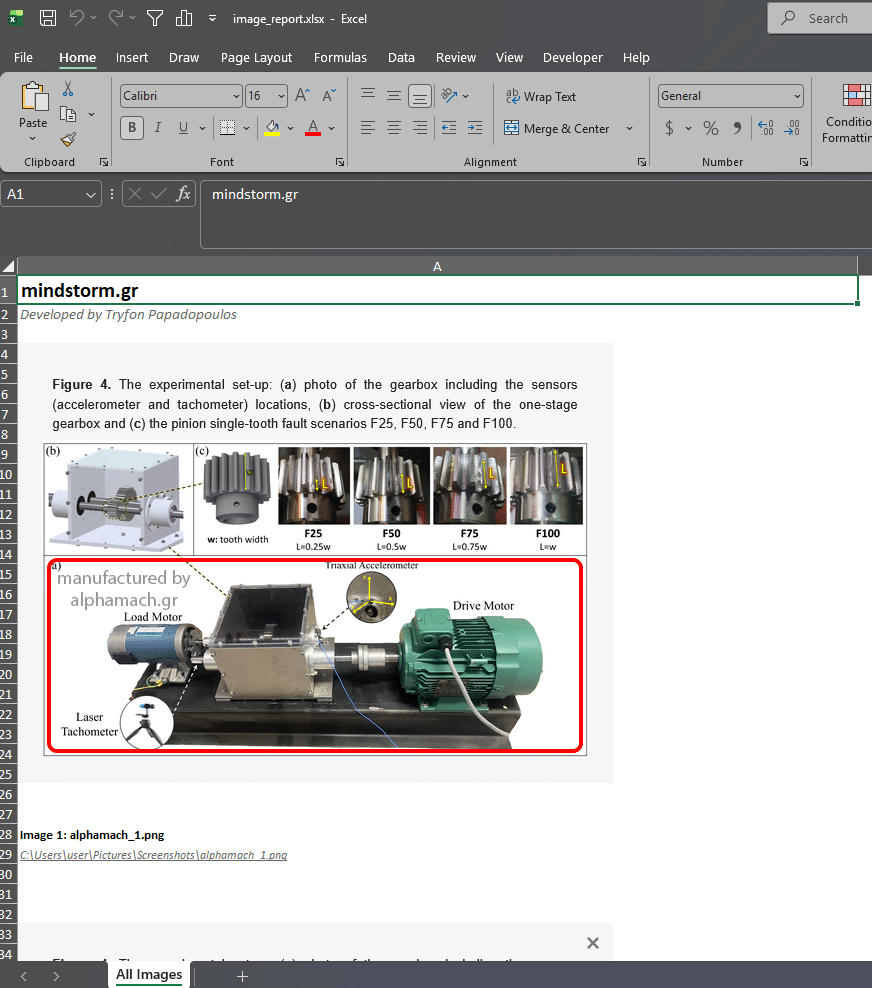
- Automatically inserts images into Excel (either in one sheet or separate sheets)
- Adds image details such as:
- File name
- Full file path (clickable)
- Includes a clean report header:
- mindstorm.gr
- Developed by Tryfon Papadopoulos
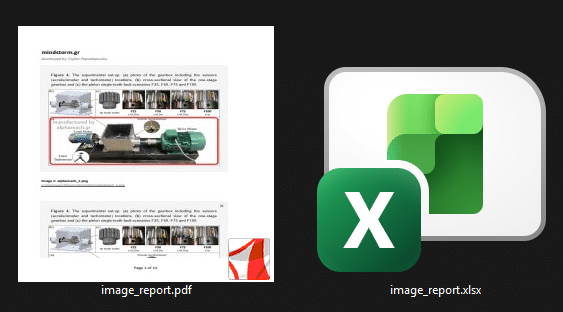
- Optionally exports everything to a PDF report with page numbering
🎯 Smart layout features
- Keeps images at original size unless resizing is needed
- Allows custom image dimensions
- Prevents images from being split across PDF pages
- Automatically resizes large images so they fit nicely with their labels
- Maintains consistent and readable spacing
💡 Why this is useful
This is especially helpful for:
- Documentation and reporting
- Sharing screenshots with clients or teams
- Creating visual logs or audit trails
- Organizing large batches of images into a clean, printable format
🚀 Technologies used
- Python
- openpyxl
- Pillow
- pywin32 (for PDF export via Excel)
Python script: “C:\PythonPrograms\image_to_excel_and_pdf_report\image_to_excel_and_pdf_report_4.py“
image_to_excel_and_pdf_report_4.py → HTML viewer
This tool turns a messy folder of images into a clean, professional report in seconds.
Views: 12



Comments are closed.